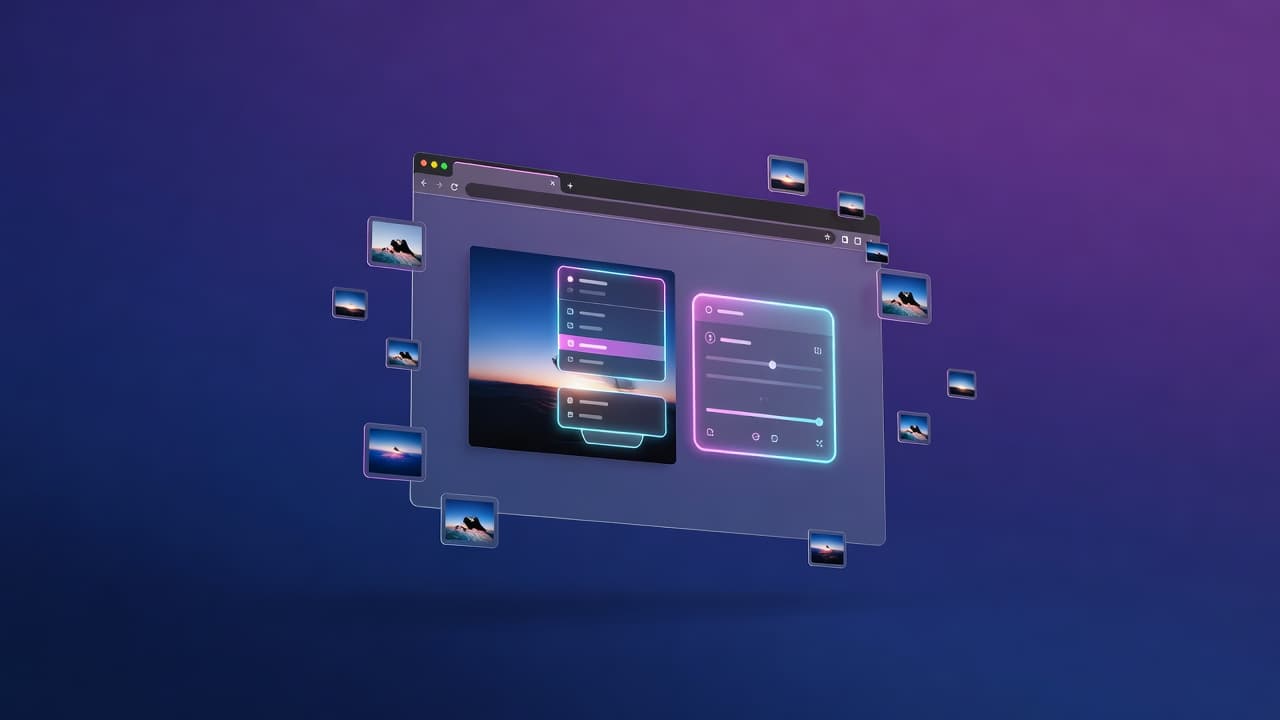

AI Studio Live — edit any image on any website
AI Studio Live — edit any image on any website
Edit any image on any website — with a right-click
You already have an AI Studio account. AI Studio Live puts it on every other site you visit.
Right-click a photo on a blog, a marketplace, a moodboard, a competitor's landing page — and rewrite it with a prompt, swap one of your own personas' faces onto it, or file it straight into your Collection. Then do it to every image on the page in a single batch.
The extension itself is free. You pay nothing to download or use it — generations spend coins from your AI Studio balance, at the prices the extension shows in its own popup, and filing an image into your Collection costs nothing at all.
The problem
The studio is where the work happens, but the images live everywhere else. Saving a picture, uploading it, finding the right persona, generating, downloading — that is six steps for one edit, and it is why most images never get touched at all.
Best use cases
- retouch or restyle product photos without leaving the shop page
- put your persona's face on a reference shot you just found
- turn a whole gallery of stock images into on-brand ones in one batch
- collect references into your Collection as you browse
Core features
- Edit this image… — img2img panel on the page: prompt box, six one-tap presets, model picker
- Face swap… — your personas, saved faces or characters, applied to the picture you right-clicked
- Quick face swap — the face you used last, no modal, one click
- Send to AI Studio — hosts the image and files it in your Collection. Free
- Bulk face swap / bulk edit — every image ≥160px on the page in a picker, up to 20 per batch
- Toolbar popup — account, coin balance, live prices, recent batches, connect / disconnect
- Every result: save to collection, download, edit the result again, or open it in the studio
Built to be safe with your account
The extension holds one account-scoped API key, kept in extension storage and read only by its background worker. It talks to exactly one pinned origin, so a hostile page can never redirect it to a look-alike host. Nothing is injected into a page until you pick a menu entry, and you can revoke the key from the popup at any time.
Who it is for
AI Studio users who work with images all day — creators, sellers, marketers — and want the studio available wherever the image happens to be.
What you get
- the complete unpacked MV3 extension (source included, nothing minified)
- delivered as a GitHub release, so you always get the current build
build.shto repackage it yourself- an install guide and a local-server note in the README
Requirements
- Chrome or any Chromium browser, version 116+
- An AI Studio account at myaimodelmanager.com with a coin balance — generations are charged to that balance, at the prices shown in the popup
- Your extension ID has to be registered. An unpacked build gets a different ID on every machine, and the API refuses calls from an unregistered one. After you load the folder, send the ID Chrome shows you to support and it is added to the allowlist. The README walks through it.
"Send to AI Studio" is free; editing and face swaps spend coins from your AI Studio balance.
Thank you! Load the folder from chrome://extensions (Developer mode -> Load unpacked), then send us the extension ID Chrome shows so we can allowlist it. Full steps are in the README.
