
Video Multi-Player
Video Multi-Player
Review and compare videos faster on macOS
Stop opening clips one by one just to check differences.
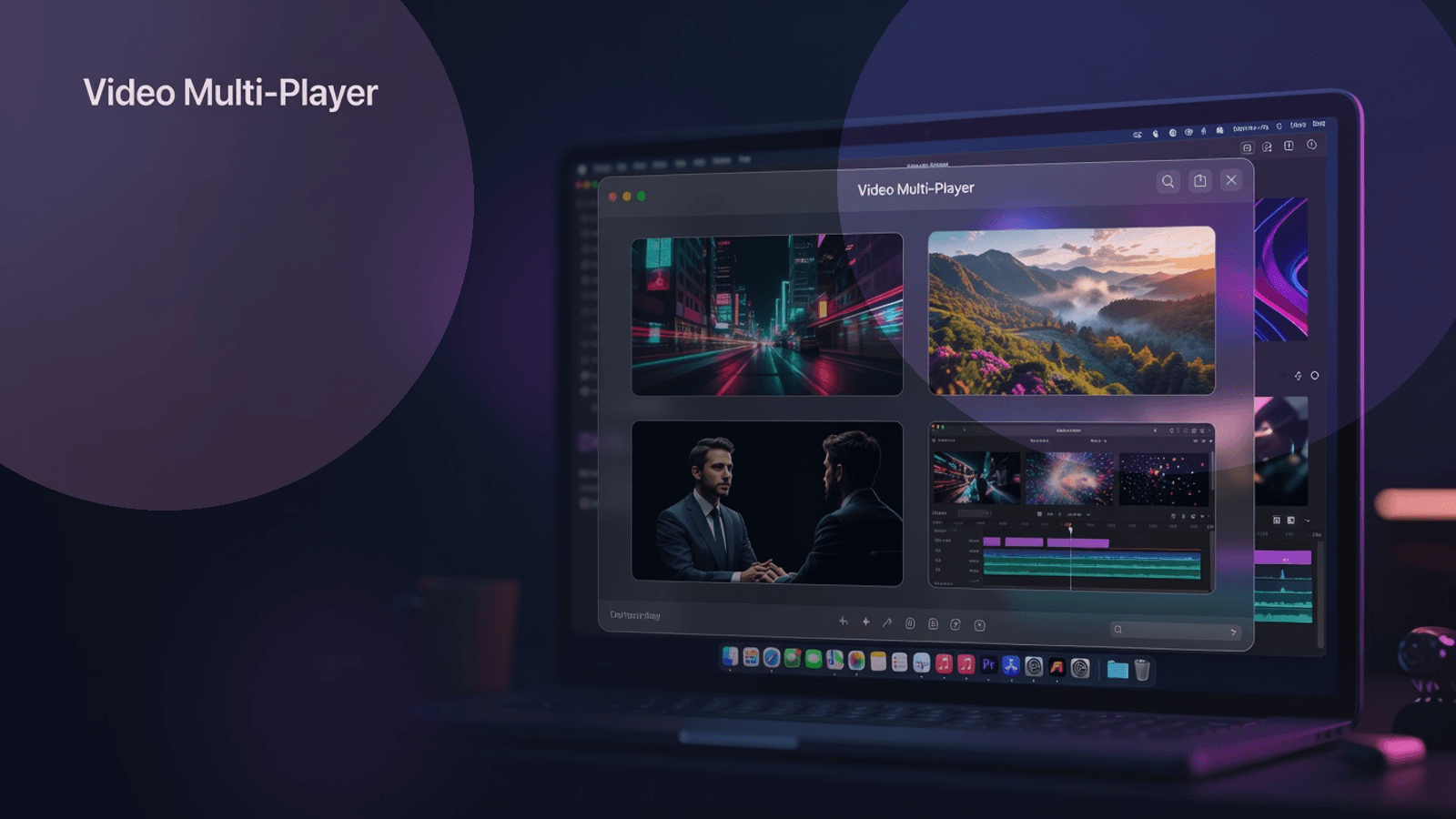
Video Multi-Player lets you load a folder once and instantly watch 1 to 4 videos side by side in a clean native macOS interface. Whether you're comparing takes, reviewing exports, checking alternate versions, or scanning a folder of footage, it gives you a faster way to see more without jumping between windows.
Why this is useful
When you are reviewing video files, the slowest part is usually not playback. It is the constant switching:
- open a clip
- compare it with another
- go back to the folder
- open the next file
- try to remember what changed
Video Multi-Player removes that friction by turning your folder into a simple comparison workspace.
You can move through videos in pages, display multiple files at once, switch between sequential and random review modes, and keep playback looping while you focus on what actually matters: the footage.
Best use cases
Compare alternate takes
Review multiple takes side by side to spot differences in framing, movement, pacing, timing, or performance.
QA video exports
Check several export versions at once to catch subtitle issues, compression artifacts, color shifts, aspect-ratio problems, or timing inconsistencies.
Review motion tests and iterations
If you create animations, product demos, reels, or social content, this makes it much easier to compare versions without repeatedly opening and closing files.
Scan large folders more efficiently
Open a folder once and move through your library in a structured flow instead of manually launching every clip.
Study reference footage
Useful for editors, motion designers, researchers, students, and creators who need to analyze several clips in parallel.
Core features
1 to 4 simultaneous videos
Choose how many videos you want to display at the same time. The layout automatically adapts into a clean grid for side-by-side viewing.
Sequential mode
Move through your folder in a stable, predictable order when you want a consistent review workflow.
Random mode with reshuffle
Generate a shuffled queue for a fresh review session, then reshuffle again whenever you want a new order.
Fast page-based navigation
Use Prev / Next controls to move through the library by the current visible group size instead of opening files one by one.
Keyboard shortcuts
Navigate with the left and right arrow keys for faster hands-on review.
Click-to-jump sidebar
See the loaded videos in a sidebar and jump directly to the page that contains a specific clip.
Automatic looping playback
Each video loops automatically, making it easier to spot small differences and repeat sections without extra clicks.
Native macOS app
Built with SwiftUI and AVKit for a lightweight, responsive macOS experience.
Broad video format support
Supports many common formats, including:
- mp4
- mov
- m4v
- avi
- mkv
- wmv
- flv
- webm
- ts
- mts
- mpg
- mpeg
- 3gp
- asf
- rm
- rmvb
- vob
Who it is for
Video Multi-Player is a strong fit for:
- video editors
- motion designers
- content creators
- post-production reviewers
- course creators
- researchers and students
- anyone comparing multiple clips on macOS
What you get
- the Video Multi-Player macOS app
- a ready-to-use release build
- setup instructions in the included README
Requirements
- macOS 14 Sonoma or later
- Swift 5.9+ / Xcode 15+ if you want to build from source
Simple workflow
- Open a folder containing videos
- Choose how many videos to show at once
- Review in sequential or random mode
- Navigate through the queue with buttons, clicks, or arrow keys
- Compare footage faster with less friction
If your current workflow feels slow, this fixes the slow part
Video Multi-Player is not trying to replace your editor.
It helps you get to decisions faster by making comparison, review, and playback dramatically simpler.
