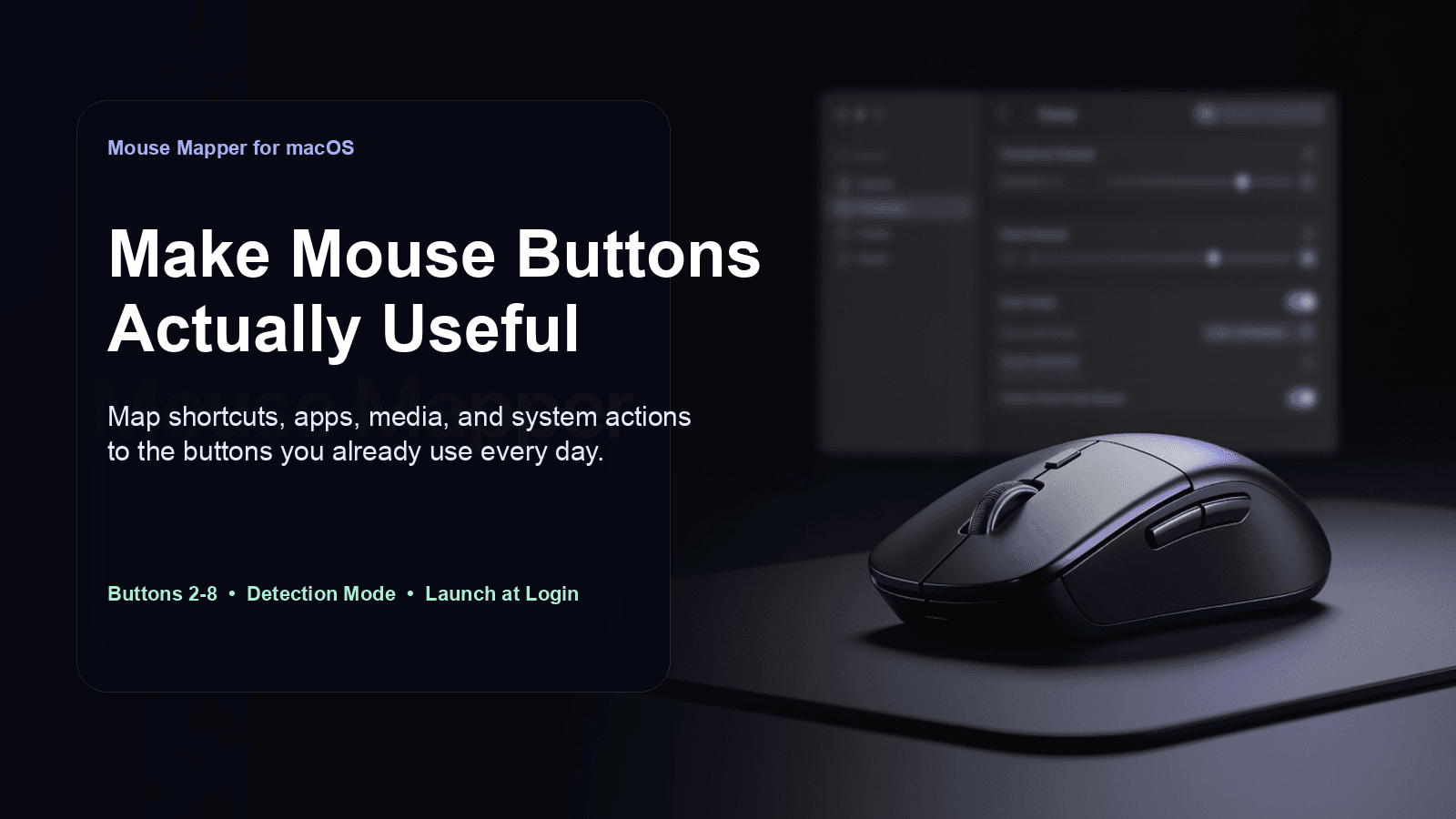
Mouse Mapper
Mouse Mapper
Turn extra mouse buttons into real productivity shortcuts on macOS
Stop wasting side buttons on generic browser back/forward behavior.
Mouse Mapper is a lightweight native macOS menu-bar app that lets you assign custom actions to your mouse buttons, so the buttons you already have can actually speed up your workflow.
Whether you want to trigger keyboard shortcuts, launch apps, control media, scroll, open URLs, or run AppleScript, Mouse Mapper gives you a simple way to remap extra mouse buttons without a bloated setup.
Why this is useful
Many mice ship with extra buttons, but on macOS those buttons are often underused, inconsistently supported, or limited to one default action.
Mouse Mapper fixes that by giving you a clear, native interface for assigning practical actions to buttons 2 through 8.
Instead of reaching for the keyboard or repeating the same clicks all day, you can move common actions directly onto your mouse.
Best use cases
Speed up everyday navigation
Map buttons to:
- browser back / forward
- scroll up / down
- Mission Control
- App Exposé
- Show Desktop
- Launchpad
Trigger shortcuts without leaving the mouse
Assign a custom keyboard shortcut to any supported mouse button for workflows in:
- browsers
- Finder
- editors
- creative apps
- productivity tools
Launch apps and links instantly
Open your most-used app or URL with a single button press.
Control media from the mouse
Map buttons to:
- play / pause
- next track
- previous track
- volume up / down
- mute
Automate advanced actions
Run AppleScript or trigger screenshots directly from your mouse.
Core features
Custom actions for buttons 2–8
Supports middle click, back, forward, and additional side buttons commonly found on modern mice.
Menu-bar app
Mouse Mapper runs as a lightweight menu-bar utility, so it stays available without taking over your desktop.
Detection Mode
Not sure which physical button number your mouse is sending? Use Detection Mode to identify it before assigning an action.
Category-based action picker
Actions are organized into practical groups:
- General
- Keyboard
- Launch
- System
- Media
- Clipboard
- Navigation
- Advanced
Keyboard shortcut mapping
Record your own shortcut combination and assign it directly to a mouse button.
Launch apps and open URLs
Choose any .app on your Mac or enter a URL to open it on demand.
System actions
Includes built-in actions for:
- Mission Control
- App Exposé
- Show Desktop
- Launchpad
- Lock Screen
Clipboard actions
Quickly trigger:
- copy
- paste
- cut
- undo
- redo
Media control
Control playback and volume without switching apps.
AppleScript support
Run custom AppleScript for more advanced automation workflows.
Launch at Login
Mouse Mapper can be configured to start automatically when you log in.
Local-first privacy
Mouse Mapper only reads mouse button numbers required for remapping. It does not log keystrokes, cursor positions, or remote analytics data.
Who it is for
Mouse Mapper is a strong fit for:
- power users
- developers
- designers
- editors
- productivity-focused Mac users
- anyone with a multi-button mouse who wants faster control on macOS
What you get
- the Mouse Mapper macOS app
- a ready-to-use
.apprelease build - setup instructions in the included README
Requirements
- macOS 13 Ventura or later
- Accessibility permission to capture and remap mouse button presses
- Xcode 15+ or Swift 5.9 command-line tools if you want to build from source
First-launch setup
- Open MouseMapper.app
- Click the menu-bar icon
- Open Settings…
- Grant Accessibility permission when prompted
- Configure actions for the buttons you want to remap
If you already own a mouse with extra buttons, this unlocks more value from it
Mouse Mapper keeps the setup simple:
- detect the button
- assign the action
- save immediately
- use it every day
It is a practical utility for turning unused mouse buttons into shortcuts you will actually use.
Ratings
