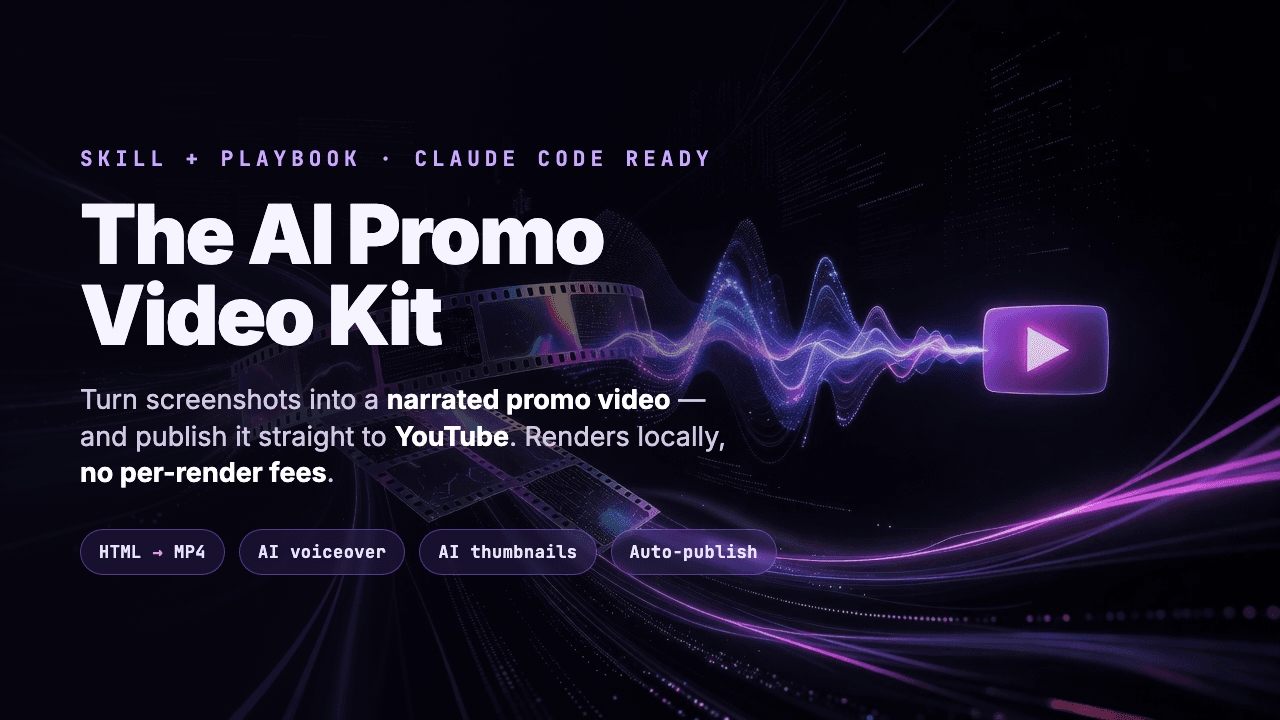

The AI Promo Video Kit — Screenshots to YouTube
The AI Promo Video Kit — Screenshots to YouTube
Turn screenshots into a narrated promo video — and publish it to YouTube
Stop paying monthly for a cloud video tool just to ship one launch clip.
The AI Promo Video Kit is the exact, battle-tested workflow for turning a folder of screenshots into a polished, AI-narrated promo video — then pushing it straight to YouTube. Everything renders locally with headless Chrome + FFmpeg: no per-render fees, no watermark, no subscription. The only paid pieces are a few cents of AI voice and image generation.
You get the complete skill/playbook plus ready-to-run script templates. Drop it into Claude Code (or any coding agent), point it at your assets, and it builds the video end to end.
Why this is useful
- Promo/launch videos are expensive and slow — editors, render farms, monthly tools.
- This pipeline is scriptable and repeatable: screenshots in, finished MP4 out.
- It's deterministic — same inputs always produce the same video, so iteration is fast.
Best use cases
- Indie hackers & SaaS founders shipping a launch video on a budget
- Agencies / freelancers who want a repeatable, scriptable video pipeline
- Anyone using a coding agent who wants "screenshots → video" as one instruction
Core features
- HTML → MP4 rendering with HyperFrames (local, no per-render fees)
- AI voiceover synced per scene (fal.ai + ElevenLabs) — voice drives the timing
- AI scene art & YouTube thumbnails (xAI grok) — crisp, on-brand
- Ducked background music so narration always stays clear
- One-step YouTube publishing with title, description, tags, thumbnail, and the AI-content disclosure set correctly
What you get
- The full skill/playbook (
hyperframes-video-workflow.md) — the complete end-to-end method, including the hard-won gotchas - Companion guides for voiceover, AI images, and YouTube publishing
- A step-by-step account-setup guide for every service (with where to get each key)
- Ready-to-run templates:
tts.mjs,music.mjs,scenes.json, andenv.example - A friendly quick-start so you ship your first video fast
Who it's for
Builders comfortable running a few terminal commands (or letting a coding agent run them). No video-editing experience required.
Requirements
- macOS or Linux, Node.js 22+, FFmpeg, and Google Chrome (for thumbnails)
- A fal.ai account (AI voice + music; pay-as-you-go, cents per clip)
- Optional: xAI for generated images/thumbnails, Zernio to auto-publish to YouTube, RakuBun to deploy a landing page — all covered in the setup guide
Honest framing: this is a workflow + guide, not a one-click app. You bring your screenshots and a few cents of API credit; it does the rest.
Thank you for purchasing The AI Promo Video Kit! Start with ACCOUNT-SETUP.md, then README.md. Go ship something great.
